Technical Documents
Specifications
Brand
StarTech.comNumber of USB Ports
3
Product Type
USB C Hub
USB Specification
USB 3.0
Power Source
USB Bus
Network Connection Type
RJ45
Height
16mm
Depth
420mm
Standards/Approvals
IEEE 802.3u, IEEE 802.3x Flow Control, 802.1p Layer 2 Priority Encoding, 802.1q VLAN Tagging, IEEE 802.3ab IEEE 802.3az Energy-Efficient Ethernet
Width
54mm
Country of Origin
China
Product Details
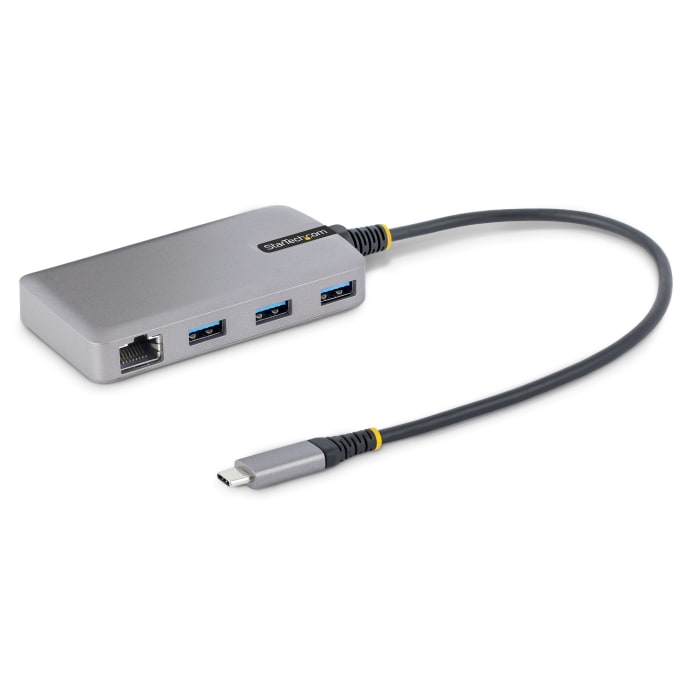
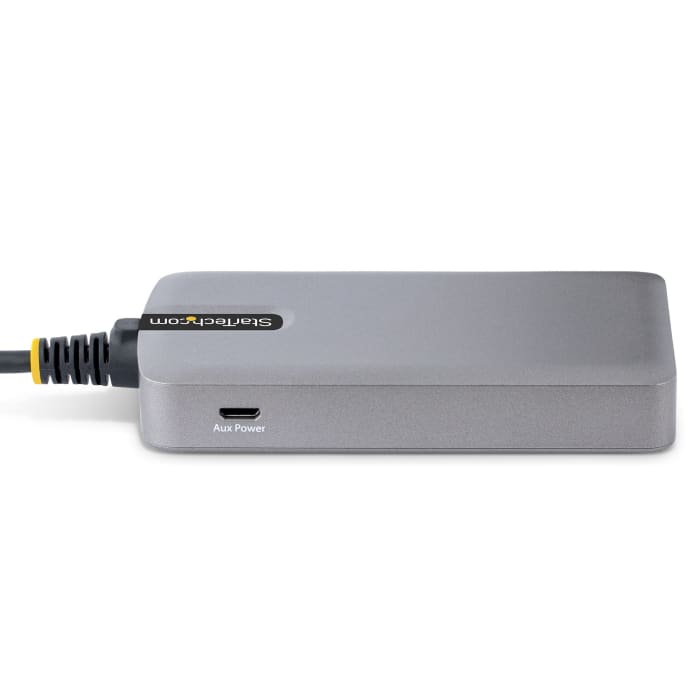
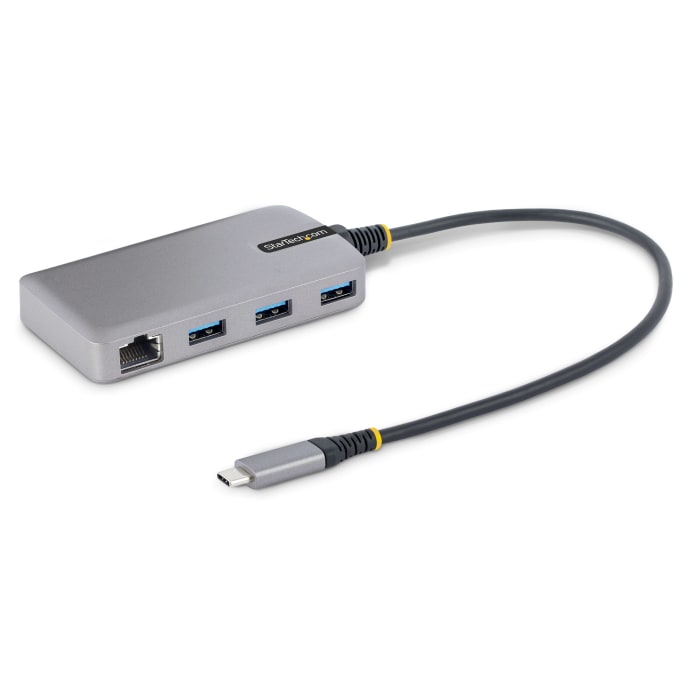
Free yourself of hardware limitations with this USB-C hub from StarTech.com. It has three ports that let you easily connect peripherals such as printers and keyboards to your computer. Rest assured, this device is compatible with all major operating systems, including Windows, macOS and Android. Tough plastic housing means it stands up to wear in busy domestic, commercial or industrial settings.
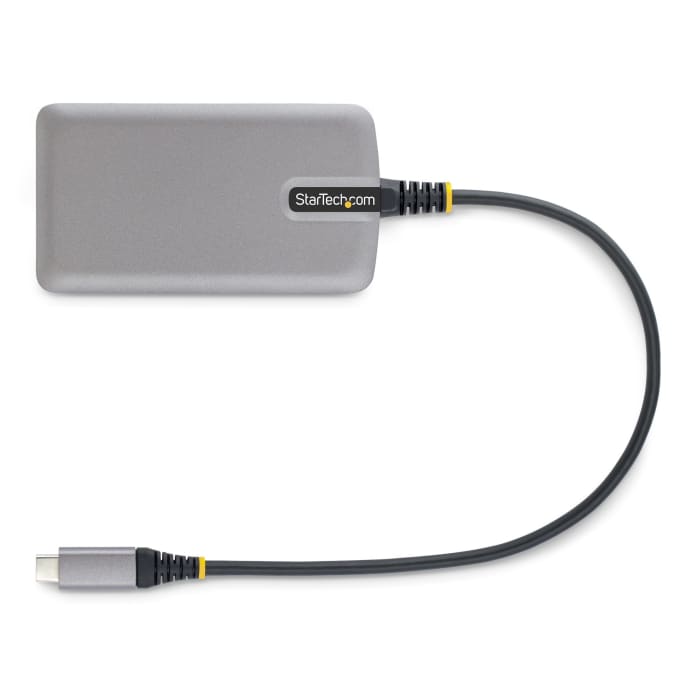
How do I connect this USB-C hub to my computer?All you need to do is plug the hub into a USB-C port on your laptop or desktop using the attached 30cm cable.

Stock information temporarily unavailable.
AED 248.61
AED 248.61 Each (ex VAT)
AED 261.04
AED 261.04 Each (inc. VAT)
1
AED 248.61
AED 248.61 Each (ex VAT)
AED 261.04
AED 261.04 Each (inc. VAT)
Stock information temporarily unavailable.
1
Technical Documents
Specifications
Brand
StarTech.comNumber of USB Ports
3
Product Type
USB C Hub
USB Specification
USB 3.0
Power Source
USB Bus
Network Connection Type
RJ45
Height
16mm
Depth
420mm
Standards/Approvals
IEEE 802.3u, IEEE 802.3x Flow Control, 802.1p Layer 2 Priority Encoding, 802.1q VLAN Tagging, IEEE 802.3ab IEEE 802.3az Energy-Efficient Ethernet
Width
54mm
Country of Origin
China
Product Details
Free yourself of hardware limitations with this USB-C hub from StarTech.com. It has three ports that let you easily connect peripherals such as printers and keyboards to your computer. Rest assured, this device is compatible with all major operating systems, including Windows, macOS and Android. Tough plastic housing means it stands up to wear in busy domestic, commercial or industrial settings.
How do I connect this USB-C hub to my computer?All you need to do is plug the hub into a USB-C port on your laptop or desktop using the attached 30cm cable.